Set a live class, sell tickets or take a package redemption, and teach it online or in person. The recording can become an On-Demand Class afterward.
Schedule the class
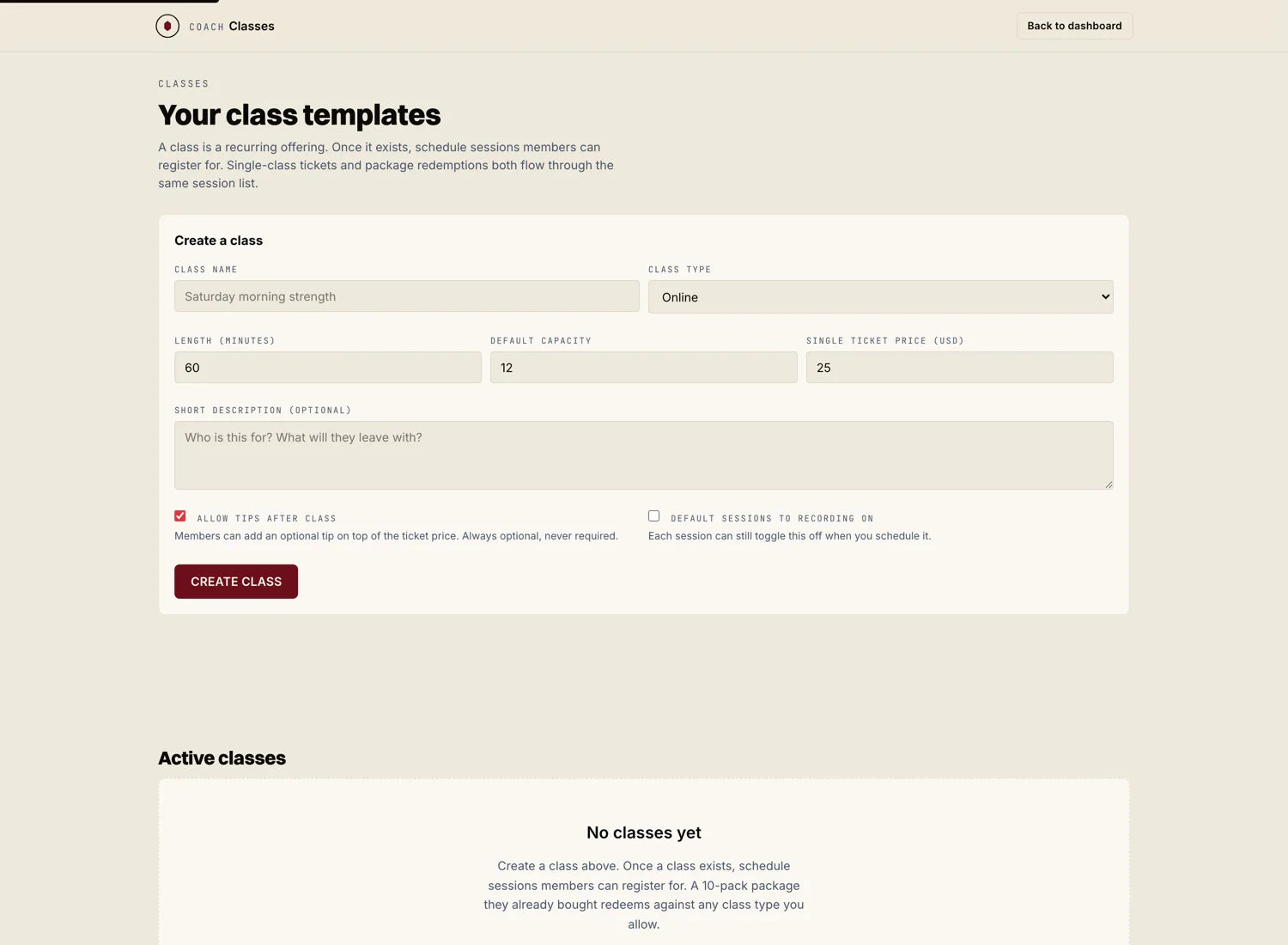
From Scheduling or the Classes tab, hit "New live class." Set the date, the time, and the length. Choose online or at the studio. Give it a title and a short description so athletes know what they are signing up for.
Set how athletes pay
A live class can be paid for two ways, and you can allow both.
- Single ticket. One athlete buys one spot in this class.
- Package redemption. An athlete who holds one of your class packages spends one class from their pack.
Set a cap on spots if the class has a real limit, like a studio room.
Leave recording on
If you want to resell the class later, leave "Record this class" on. Marrow captures it while you teach. You can turn the recording into an On-Demand Class afterward in a couple of clicks.
Teach the class
At class time, open the class from your calendar and start it. For an online class, athletes join from their own devices. For an in person class, your roster shows you who booked so you know who to expect.