Every live class you run can become a sellable On-Demand Class. Teach it once, then let the recording earn for you afterward.
Run a live class with recording on
When you set up a live class, leave the "Record this class" option on. Marrow captures the session while you teach it. You coach the room as normal. The recording happens in the background.
Find the recording after class
Once the live class ends, the recording appears in Classes » Live, attached to that session. Marrow processes it so it streams cleanly. When it is ready, you will see a "Turn into On-Demand Class" button.
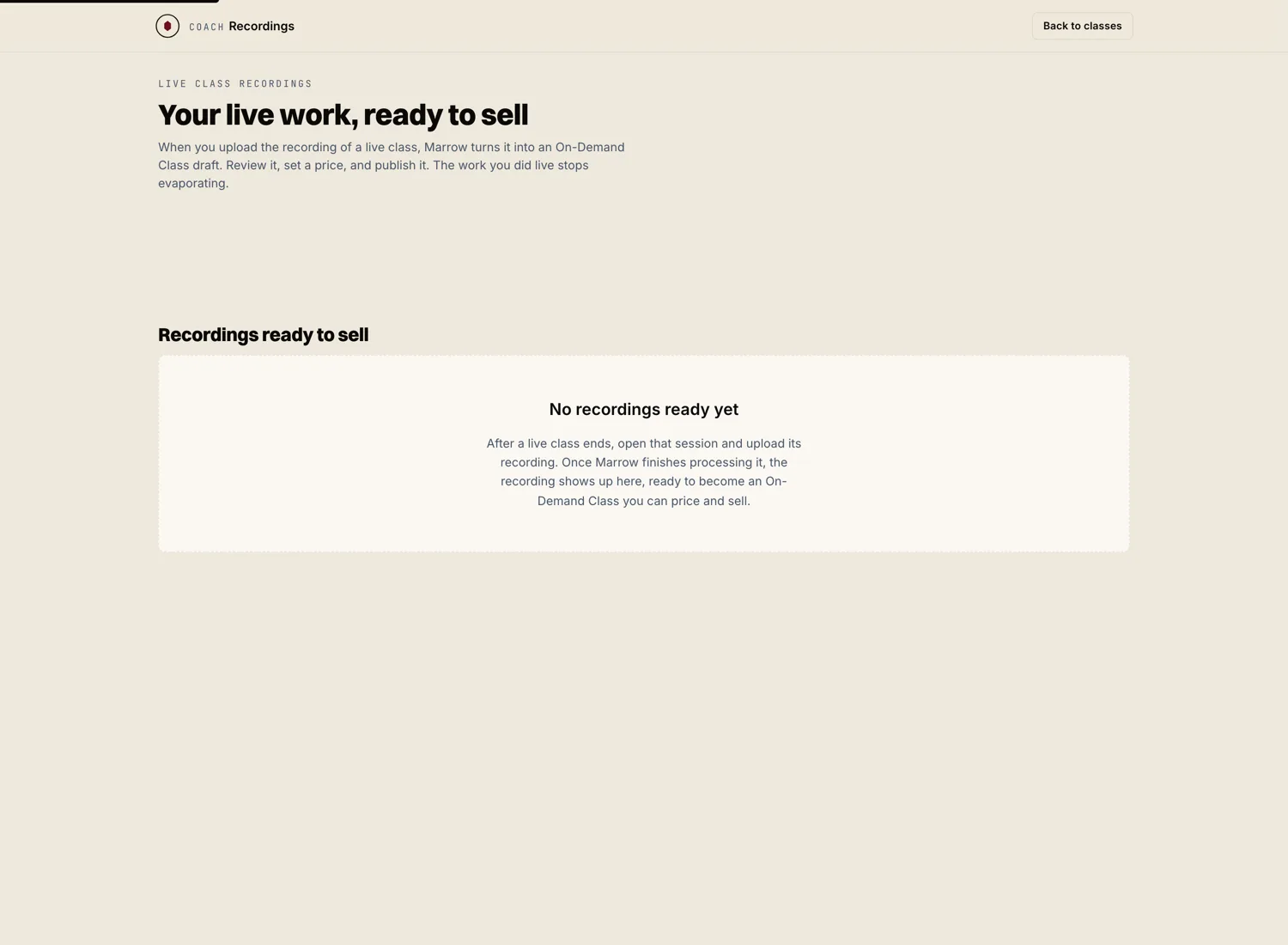
Turn it into a sellable class
Hit "Turn into On-Demand Class." Marrow carries the recording straight into a new On-Demand draft. The video is already in place. You only fill in the listing: title, description, level, equipment, and price.
Trim and publish
Trim the start and end so the class opens clean, without the few minutes of people arriving. Set your price. Publish. The class is now in your catalog, earning from a session you already taught.