Record a class once, set a price, and let athletes buy it and follow along on their own time. This is your coaching, available around the clock.
Open Classes » On-Demand
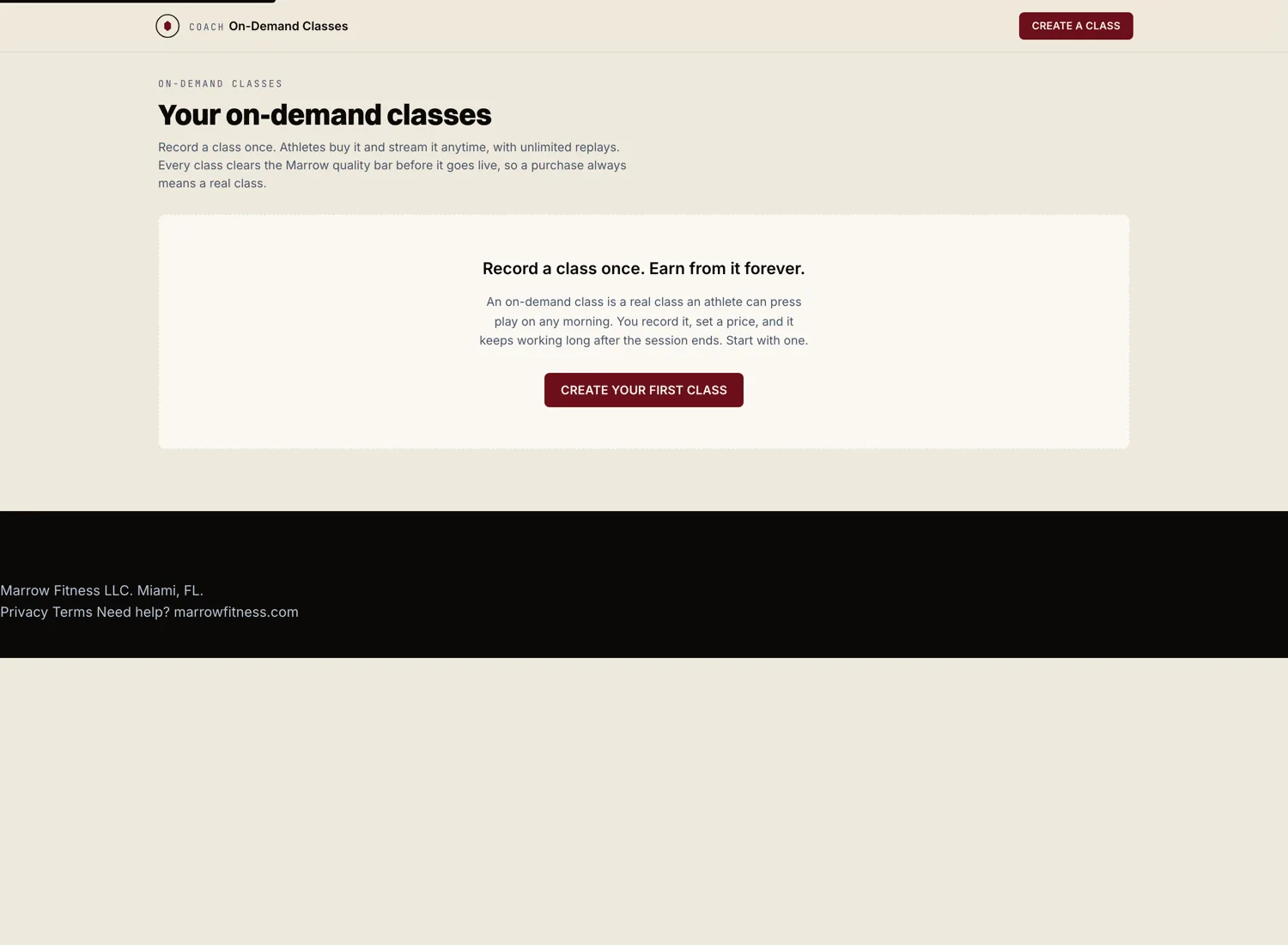
From your coach dashboard, go to Classes, then open the On-Demand tab. This is where every recorded class you sell lives. Hit "New on-demand class" to start one.
Record or upload your class
You have two ways to get the video in. Record straight from your phone or laptop camera inside Marrow, or upload a video file you already have. A strength session, a yoga flow, a mobility routine, a breathwork sequence. Any modality works.
Marrow processes the video so it streams cleanly on any connection. While it processes, your class sits in draft. You can keep editing the rest of the listing.
Write the listing
Give the class a clear title, a short description, and a few details that help an athlete decide.
- Title. Plain and specific. "30 minute morning mobility" beats "Flow #4."
- Description. What the class covers, who it is for, what they need.
- Level. Open, intermediate, or advanced.
- Equipment. List anything the athlete needs, or mark it as no equipment.
Set your price
Set a one time price for the class. The athlete pays once and keeps access. You can change the price later, and the change only affects new purchases.
Payments land in your connected Stripe account. Marrow takes the 8% platform fee. Nothing else.
Publish
Once the video finishes processing and the listing is filled in, hit "Publish." The class appears on your public storefront at marrowfitness.com/c/your-slug and in the On-Demand catalog athletes browse. Share the link anywhere you like.